
Cartoon Me
Upload a selfie, pick an avatar style and get a cartoon version of you for a profile picture. One cartoon is free, no sign-up.
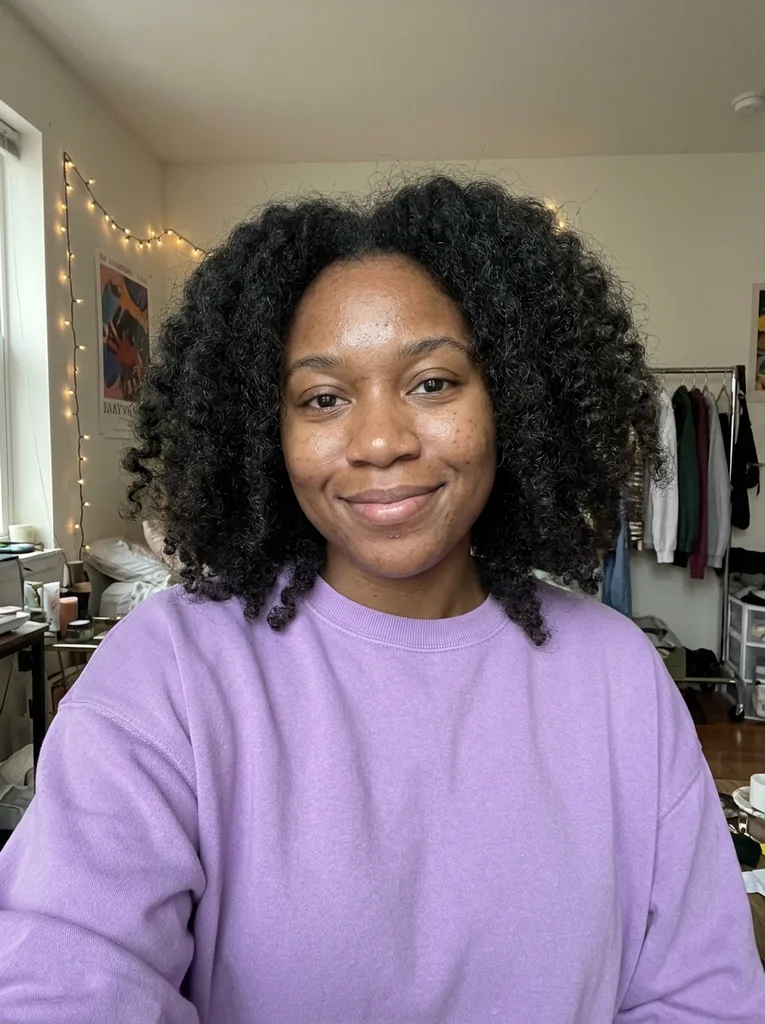 Before
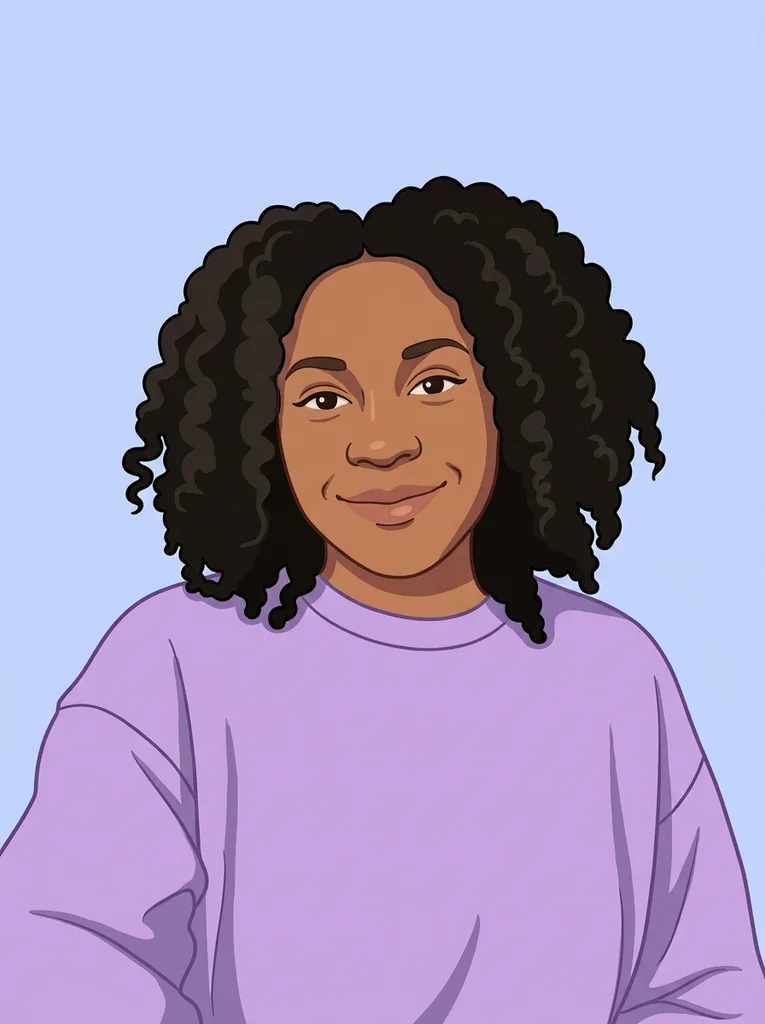 After
Example result. Upload your photo to make yours.
Examples
BeforeAfter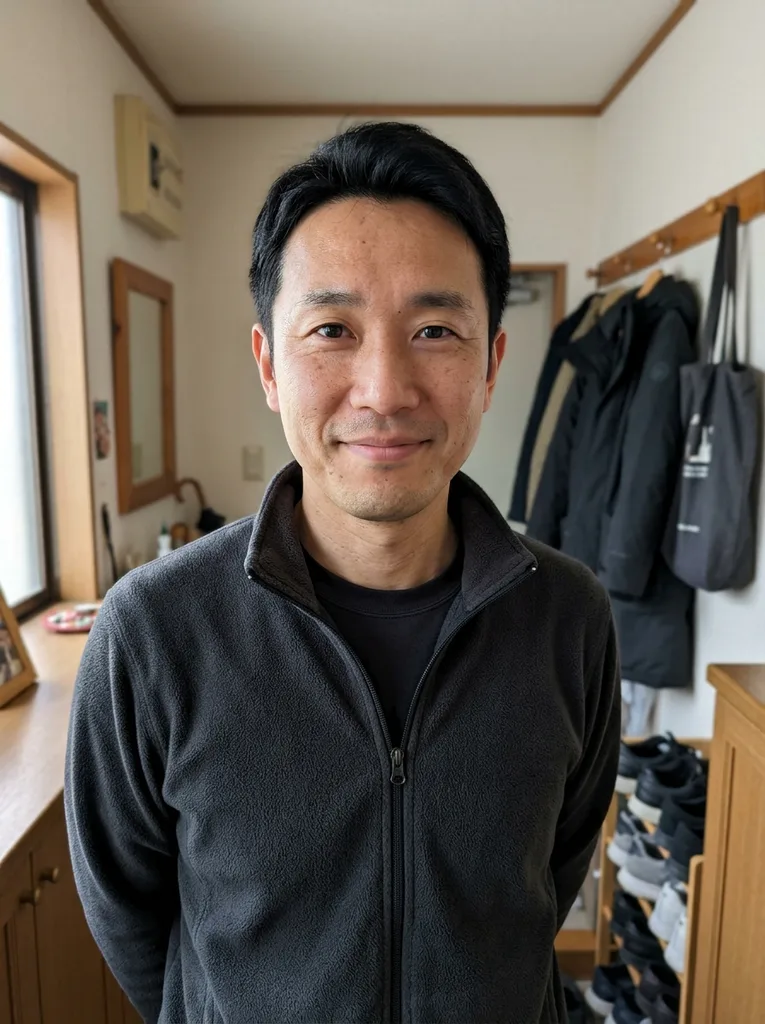 Before
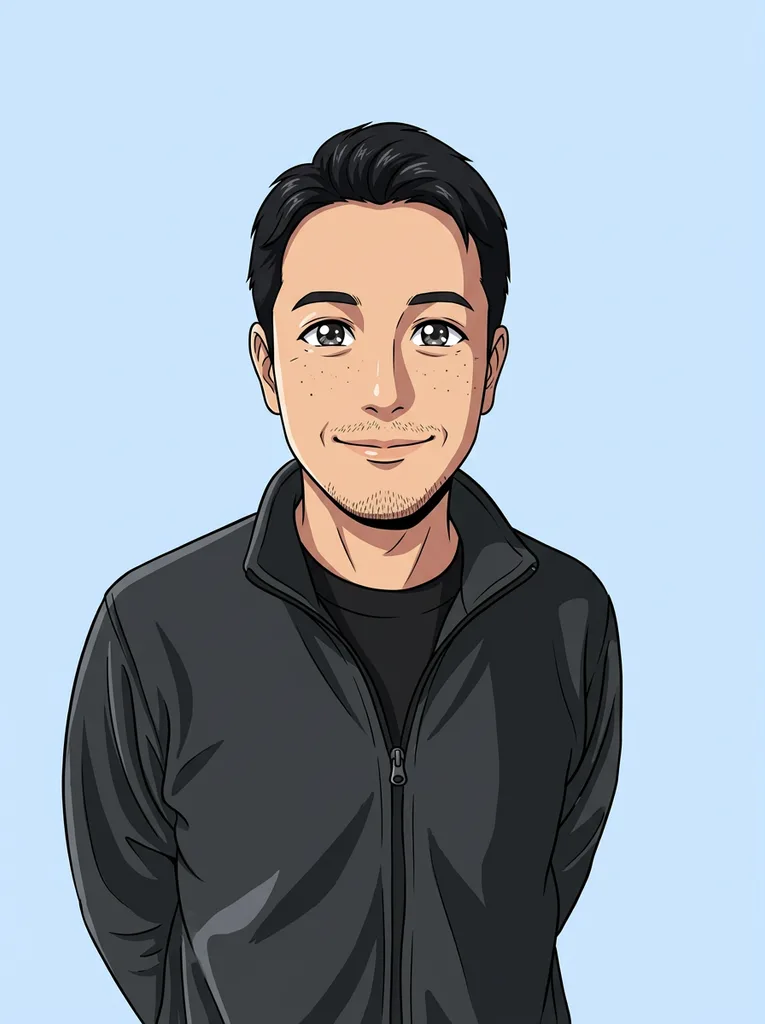 After
Your selfie as a cartoon avatar
Cartoon Me turns one selfie into a cartoon avatar of you. Pick from five avatar styles: Flat Avatar, 3D Avatar, Emoji Sticker, Anime Avatar or Comic Portrait.
Then choose the framing. Avatar Crop draws a centered head-and-shoulders portrait on a plain soft color background. Keep Full Photo keeps your original framing and background and redraws them in the same style.
The model is told to keep your face shape, hairstyle, hair color, skin tone, glasses, facial hair, clothing colors and expression. It is an AI image, so compare it with your photo.
Made for
- Profile pictures
- Social media
- Group chats
- Selfie lovers
- New accounts
Where to use your cartoon avatar
The result is one normal image you can save and use where you like.
Profile picture
Use the Avatar Crop result as the face of a new account. A cartoon me with centered head and shoulders stays readable when the picture is small.
Social media
Show a cartoon version of you instead of a plain photo. Pick a style that matches your page, from a clean Flat Avatar to a bold Comic Portrait.
Group chats
Give your chat a face people spot at a glance. Emoji Sticker has a thick white outline and a big expression, but the result is one image, not an emoji pack.
Cards and gifts
Keep Full Photo redraws your whole picture in one style, which suits a digital greeting card or a small gift for a friend.
A fresh look
Try an Anime Avatar or a 3D Avatar when you want a cartoon me that does not look like every other selfie.
How to cartoon yourself in three steps
Cartoon Me needs one selfie. Your first cartoon is free across the whole site, so choose the look you want most.
- 1
Upload one selfie
Click the upload box or drop in a JPG, PNG, WebP or HEIC photo up to 10 MB. Your photo stays in the panel next to the result.
- 2
Choose a style and framing
Pick one avatar style, then Avatar Crop or Keep Full Photo. Add a short note such as "wearing a hoodie" if you like, up to 300 characters.
- 3
Generate and download
Press Cartoon My Selfie, check the result against your photo and press Download. Save it before you leave, because the result is gone when you refresh the page.
Selfie tips for a better cartoon me
- Show your whole face, with nothing covering your eyes, nose or mouth.
- Face the camera with your head and shoulders in the frame.
- Use soft, even light so your skin tone and hair color read clearly in the cartoon.
- Keep glasses on if you wear them, and keep the lenses free of glare.
- Choose a selfie that is sharp, not blurry and not tiny in the frame.
- Upload your own photo, or one of someone who agreed. You must be 18 or older.