
Man to Cartoon
Man to cartoon from one photo: pick a style and a look. One cartoon is free, no sign-up or credit card.
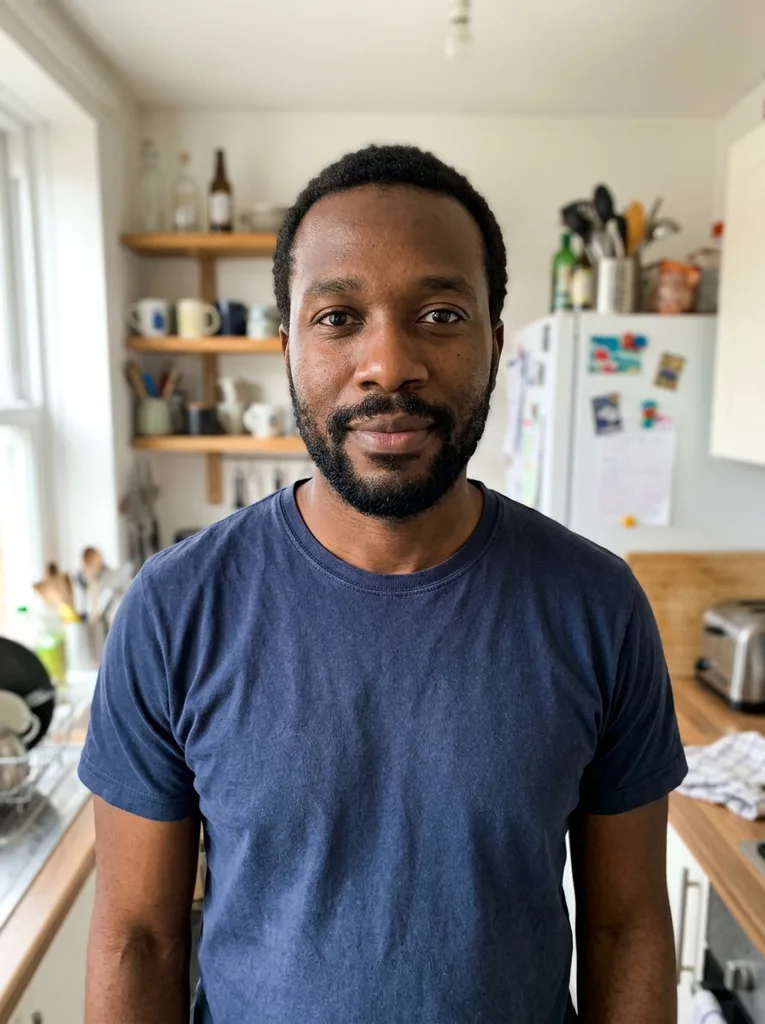 Before
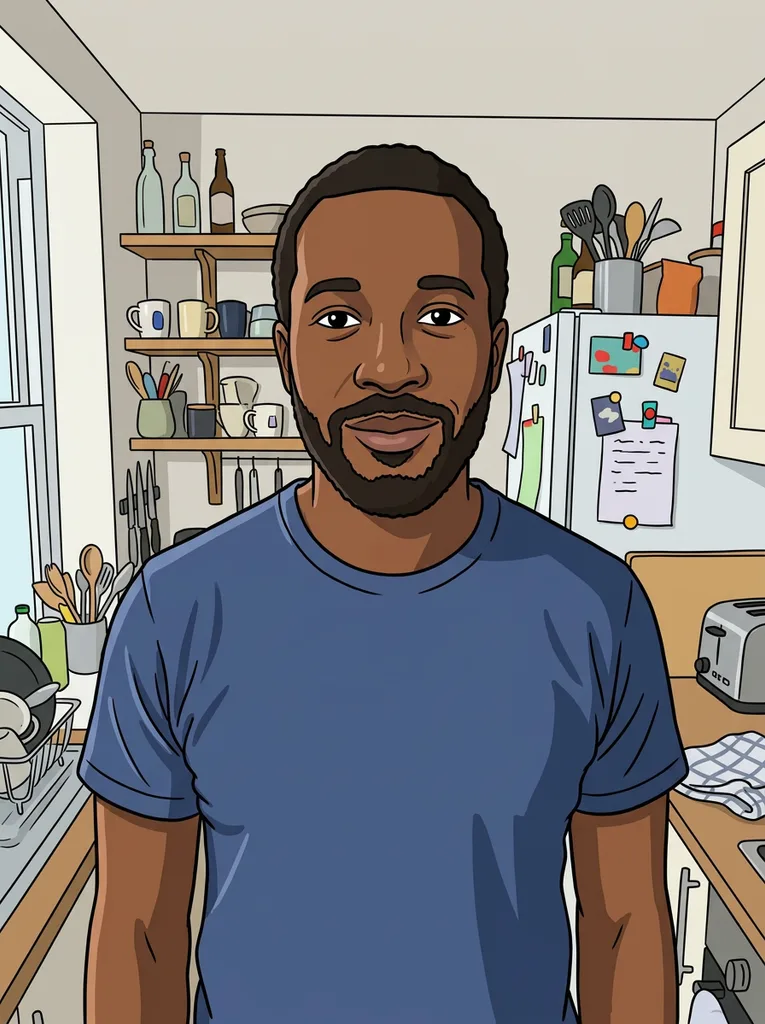 After
Example result. Upload your photo to make yours.
Examples
BeforeAfter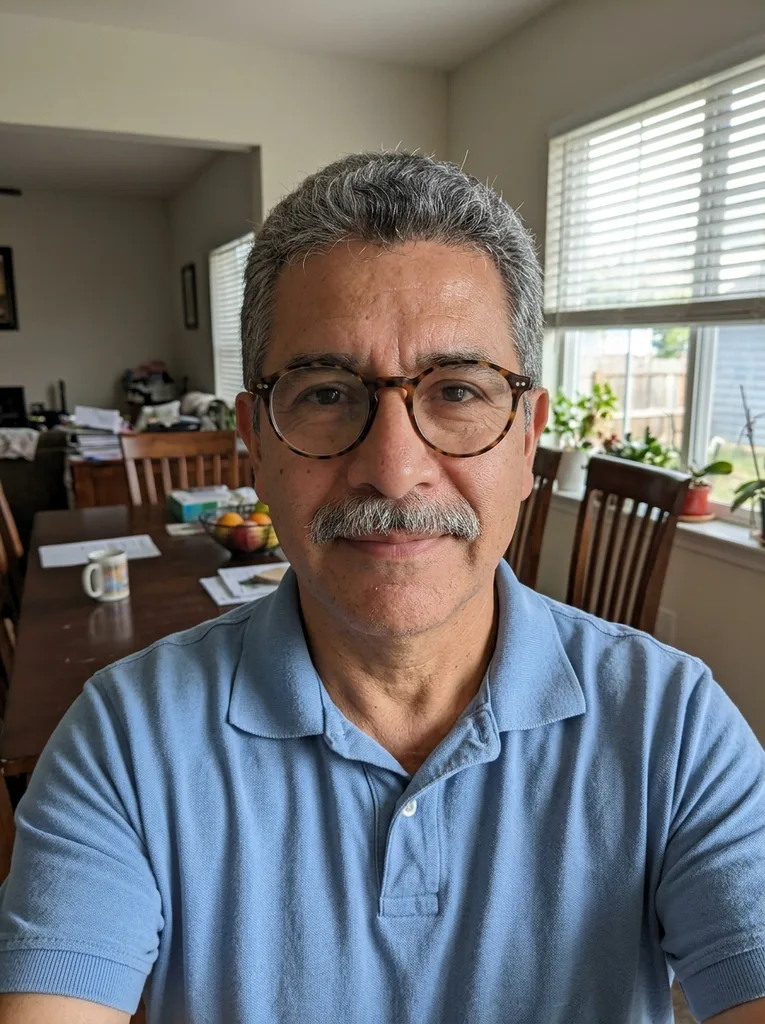 Before
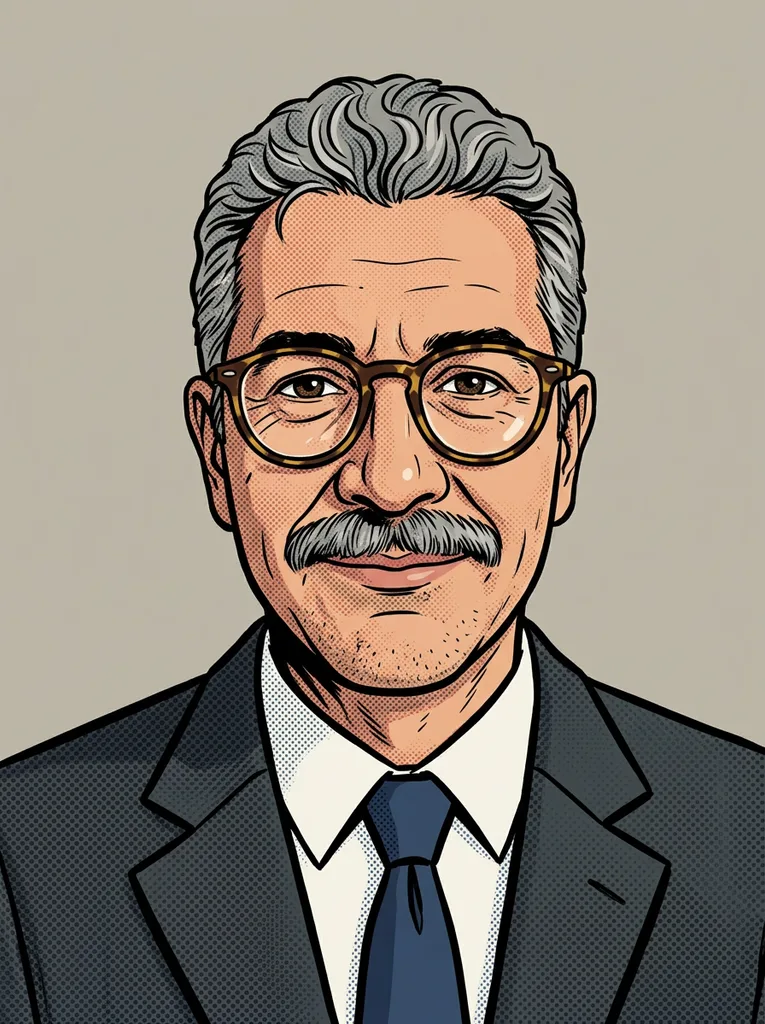 After
Turn a man's photo into a cartoon of him
Man to cartoon takes one photo of a man and redraws him as a cartoon. First choose a Cartoon style: Classic Cartoon, Comic Ink, 3D Character or Painted Cartoon. Then choose a Look.
Keep My Look redraws the photo as it is, with the same framing, clothes and background. Headshot Avatar draws a centered head and shoulders on a plain soft background and keeps the clothing colors from the photo. Business dresses him in a dark suit with a collared shirt on a plain neutral background. Sports dresses him in a plain jersey with no logos, numbers or text.
The model is told to keep his face shape, hairline, hairstyle, hair color, beard, stubble or mustache, skin tone, glasses, apparent age and expression. It is an AI image, so compare it with your photo.
Made for
- Profile pictures
- Bearded faces
- Glasses wearers
- Birthday cards
- Group chats
Where a man to cartoon picture works well
The result is one ordinary image you can save and use where you like.
A man to cartoon profile picture
Choose Headshot Avatar for a centered head and shoulders on a plain soft background. A face that fills the frame is easy to recognize in a small round avatar.
A work chat avatar
Business draws a dark suit and collared shirt on a plain background. It suits a team chat or a staff page that wants a friendlier face, but it is a cartoon, not a formal headshot.
A club or league group
Sports gives a plain jersey with no logos, numbers or text. Use it for a running club chat, a fantasy league or a five-a-side group.
A card for dad or a friend
Redraw a photo of a man who said yes, such as your dad, partner or best friend, and put it in a digital birthday card or message.
A beard or glasses look
Beard, stubble, a mustache and glasses are on the list the model is told to keep. In our examples, a full beard and a gray mustache with round glasses stayed in the drawing.
Photo tips for a man to cartoon result
- Use a clear, well-lit photo for man to cartoon, where his face is large and sharp, not tiny or blurry.
- Face the camera or turn only slightly, so both eyes, the nose and the mouth can be seen.
- Show the beard, stubble, mustache and hairstyle as he wears them now, because those are the details the model is told to keep.
- Skip sunglasses and hats that hide the eyes or the hairline. Ordinary glasses are fine.
- Upload one photo of one man. The tool takes one photo per run, and our examples have one person each.
- Use your own photo, or a photo of a man who has said yes. Photos of anyone under 18 can't be used.
- JPG, PNG, WebP or HEIC up to 10 MB work. HEIC is converted in your browser, and large photos are scaled down to 2048 px on the long side at most.
- Set the style and the look before you press the button, because the free allowance is one image for the whole site.
Man to cartoon: cost, privacy and limits
What it costs, what happens to the photo and what you can't do.
One free cartoon
Your first cartoon is free, with no sign-up and no credit card. It is one image for the whole site rather than one per page, and nothing else is for sale right now.
Your photo
Your photo is only used to create your cartoon and is never used to train AI models. We keep the photo to run the service, and you can email us to ask for it to be deleted. The AI service holds the finished image for a limited time, so download it before you leave.
Limits
One photo and one cartoon per run, with you picking only the style, the look and an optional note. You must be 18 or older, and the tool is not open to visitors from India.
The file you get
Download saves the picture as the model returned it, with no watermark added. It has a background, with no transparent version and no choice of size.