
Cartoon Maker
Cartoon maker for one photo: choose a character style and a background. Your first cartoon is free, no sign-up or credit card.
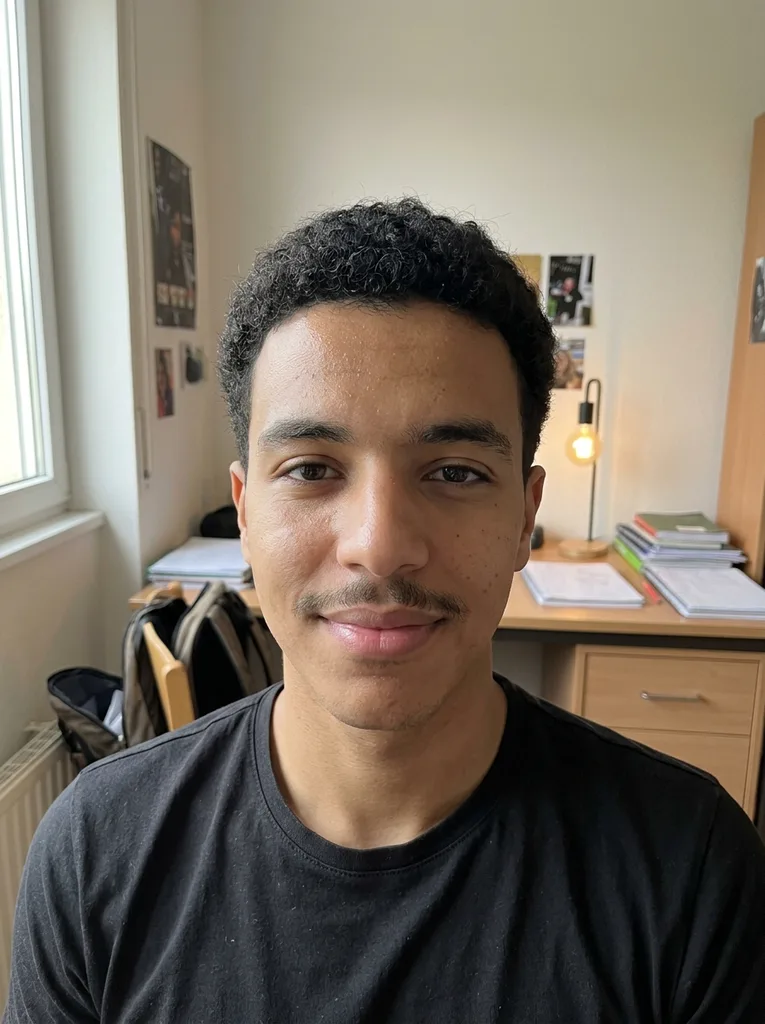 Before
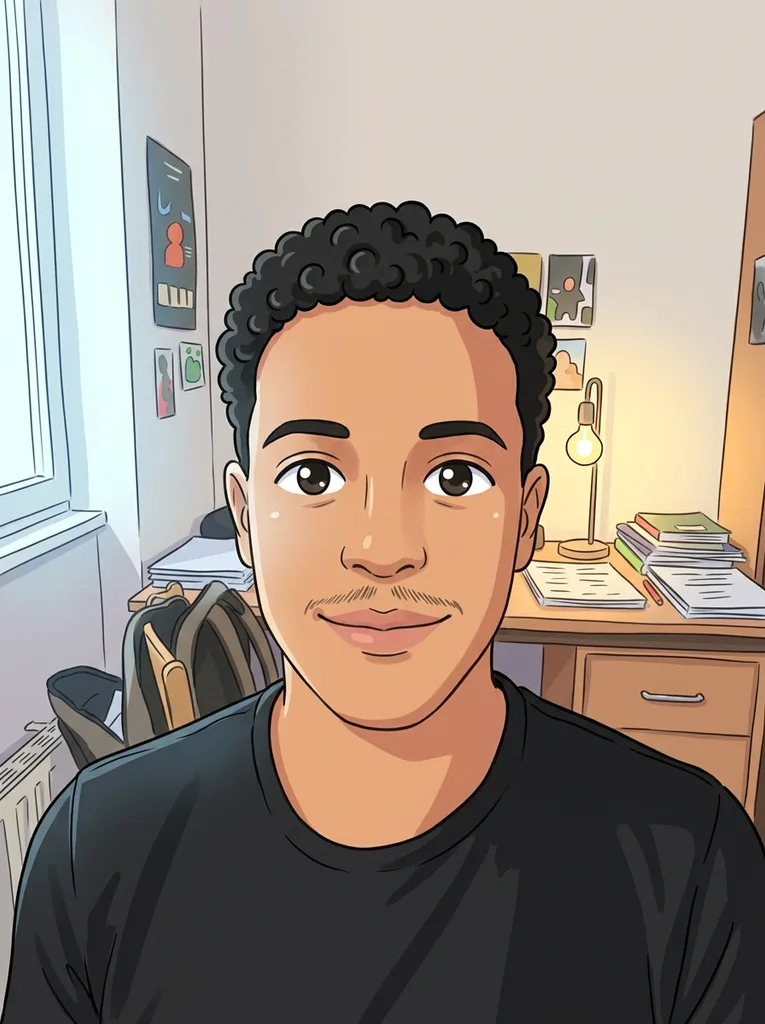 After
Example result. Upload your photo to make yours.
Examples
BeforeAfter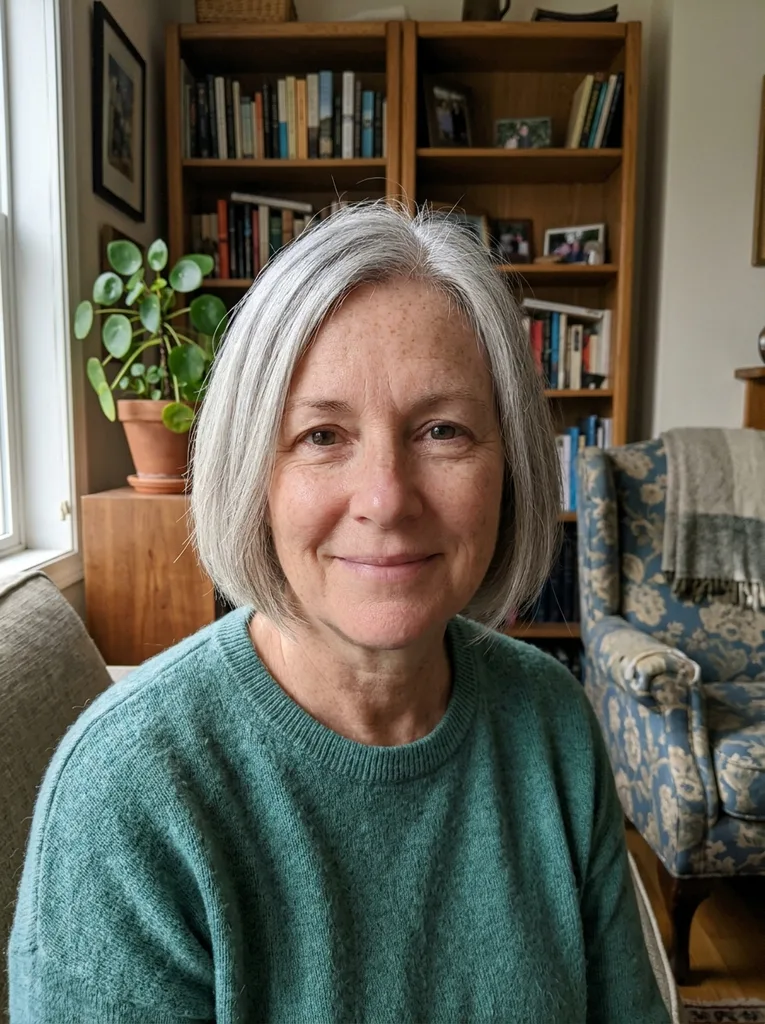 Before
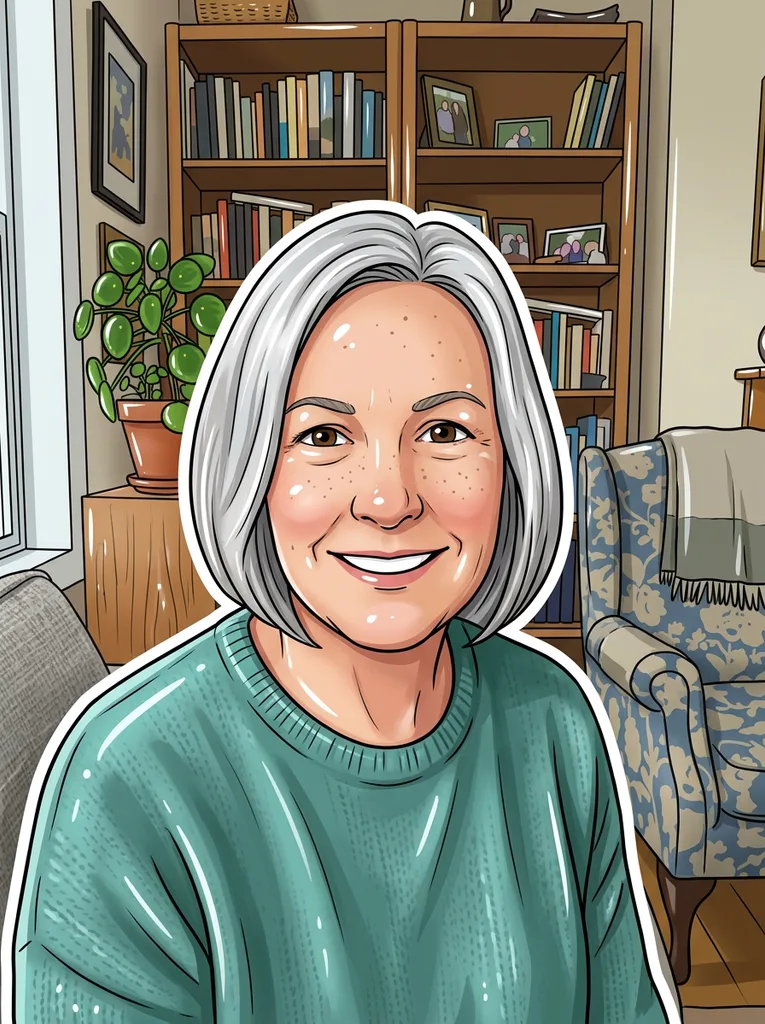 After
What to use your cartoon picture for
What the cartoon maker gives you is one ordinary image to save and use where you like.
Channel avatar
A Cute Character or Mascot drawing makes a profile picture that reads at small sizes, for a channel, a page or a community.
Team avatar
Give a project or club a face. A Solid Color background keeps the picture clean next to other avatars in a member list.
Gift cards
Put a Storybook drawing of the person on a digital gift card or a thank-you note. Fun Scene adds clouds or stars behind them.
Sticker-style art
The Sticker look has a thick white outline and glossy highlights. It is a style, so the result is a normal picture, not a sticker file.
Group chat character
Make a cartoon of yourself to post as your chat picture or as a reaction image your friends will recognize at once.
Blog character
Use one drawn character as the face of a blog, a newsletter or an about page, so readers see the same figure every time.
A cartoon maker with two choices: style and background
Pick one Character style and one Background, then add an optional note.
This cartoon maker redraws your photo as a character picture. Character style has four options. Cute Character gives a rounded head, simple shapes and big friendly eyes. Mascot is a bold sports-mascot look with thick outlines. Sticker adds a thick white outline and glossy highlights. Storybook is a warm children's book cartoon with soft outlines.
Background has three options. Keep Original redraws your own background in the same style. Solid Color swaps it for one flat bright color. Fun Scene replaces it with a simple playful scene, such as clouds, stars or a park.
The model is told to keep your composition, pose and features. In our example with Cute Character and Keep Original, the face became round and simple with big eyes, while the curly hair, mustache, desk, lamp, backpack and poster stayed in place. It is an AI image, so compare it with your photo.
Made for
- Channel owners
- Team leads
- Bloggers
- Group chat friends
- Gift makers
Cartoon maker limits, cost and your photo
The facts on cost, privacy and limits.
One free cartoon
Your first cartoon is free, no sign-up and no credit card. The allowance is one image across the whole site, not one per page, so choose the style and background you want most.
Your photo
Your photo is only used to create your cartoon and is never used to train AI models. The photo is stored to run the service, and you can ask us by email to delete it. The finished image is kept by the AI service for a limited time and then deleted, so download it right away.
Limits
One photo per cartoon, JPG, PNG, WebP or HEIC up to 10 MB. You must be 18 or older, and you can't upload photos of anyone under 18. Pets and scenery are fine.
What you download
The Download button saves the image as the model returned it, with no watermark added. It is one picture with a background, with no transparent version and no choice of size.